
Free Audio to Text Converter
Trusted by 1M+ users worldwide






Convert Audio to Text in 3 Simple Steps
Step 1: Upload Audio or Paste a Link
Upload your audio or video file in one of 30+ supported formats, including MP3, WAV, M4A, AAC, FLAC, MP4, and MOV. You can also paste a supported audio or video URL to start the Audio to Text process instantly without downloading or converting files beforehand.
Step 2: Convert Audio to Text with AI
Our advanced AI automatically converts speech into accurate text with support for 90+ languages and multiple accents. During the Audio to Text process, the system can identify different speakers, organize conversations, and generate AI-powered summaries to help you understand key information faster.
Step 3: Export and Share
Once your Audio to Text transcript is ready, you can edit it, download it as a Word or PDF document, or export subtitle files in SRT and VTT formats. Share transcripts, summaries, and subtitles with colleagues, clients, students, or audiences in just a few clicks.
Why Choose Audio to Text?
Save time, improve productivity, and turn spoken content into valuable, searchable information.
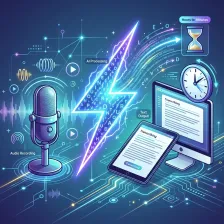
Lightning-Fast Transcription
Convert hours of recordings into text within minutes. Instead of spending time manually typing conversations, Audio to Text automatically processes your content and delivers accurate transcripts quickly, helping you work more efficiently.

Up to 99% Accuracy
Powered by advanced AI technology, Audio to Text delivers highly accurate transcripts for meetings, lectures, interviews, podcasts, and more. Capture important details with confidence and reduce the need for manual corrections.
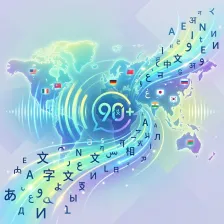
Support for 90+ Languages
Transcribe audio from around the world with support for more than 90 languages and accents. Whether you're working with international teams, multilingual content, or global audiences, Audio to Text helps you communicate without language barriers.
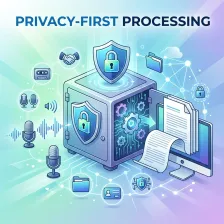
Privacy-First Processing
Your recordings and transcripts are handled securely throughout the transcription process. Audio to Text is designed with privacy in mind, making it suitable for business meetings, academic projects, interviews, and confidential discussions.
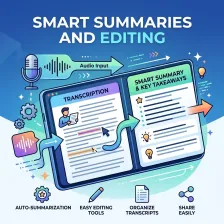
Smart Summaries and Editing
Beyond transcription, Audio to Text automatically generates summaries and key takeaways, helping you understand content faster. Built-in editing tools also make it easy to review, refine, and organize transcripts before sharing.
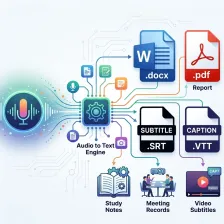
Flexible Export Options
Export transcripts as Word documents, PDF reports, SRT subtitles, or VTT caption files. With Audio to Text, you can easily create documents, meeting records, study notes, video subtitles, and other content ready for immediate use.
Core Audio to Text Capabilities
AI Speech-to-Text Conversion
The Audio to Text system converts spoken language into accurate written text using advanced speech recognition models. It handles natural speech, pauses, and context shifts, producing clean and readable transcripts from raw audio input with strong consistency across different scenarios.
Start Transcribing Free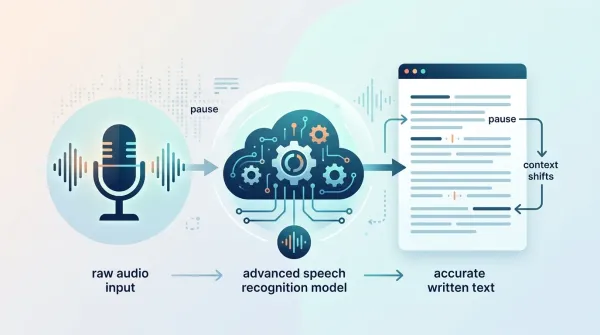
Intelligent Summarization & Text Structuring
Beyond transcription, Audio to Text automatically organizes content into structured paragraphs and generates AI-powered summaries. Long recordings are condensed into key insights, highlights, and actionable points for faster understanding and better decision-making.
Start Transcribing Free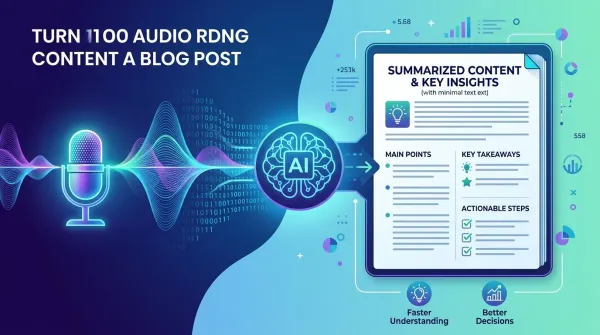
Multi-Format & Multi-Language Processing
Audio to Text supports over 30 input formats and 90+ languages, allowing users to transcribe global audio content from files or links without format conversion or language barriers, ensuring seamless usage across different devices and regions.
Start Transcribing Free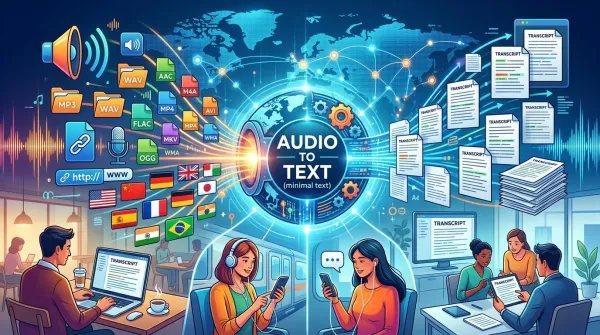
Export, Subtitle & Workflow Output
Transcripts generated by Audio to Text can be exported into TXT, DOCX, and PDF for documentation, as well as SRT and VTT for subtitle generation. This makes it easy to reuse content across reports, videos, and publishing workflows in professional environments. In addition, the built-in <a href="https://dechecker.ai" class="tw-text-primary-500 hover:tw-text-primaryHover">AI Checker</a> helps ensure the exported text remains natural, consistent, and suitable for human reading standards, improving overall content quality before publishing.
Start Transcribing Free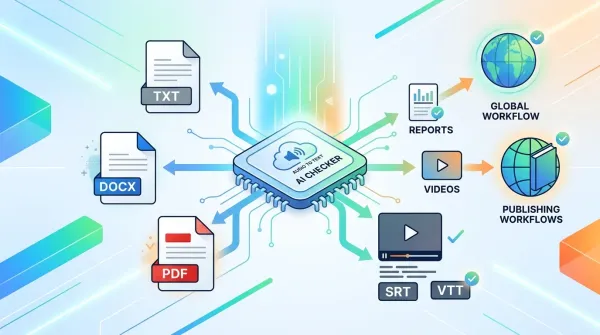
How People Use Audio to Text in Daily Work
Discover how Audio to Text is applied across business, education, content creation, and research to transform spoken content into structured, usable information.

Business Meetings & Corporate Documentation
Companies use Audio to Text to convert meeting recordings into structured transcripts for documentation, decision tracking, and internal reporting. It reduces manual note-taking and ensures every discussion is accurately recorded for future reference. Teams can quickly search past conversations to retrieve key decisions and action items. This makes collaboration more efficient across departments and improves organizational transparency.
Education & Learning Materials
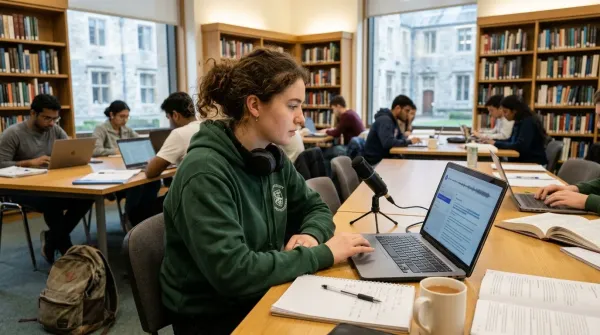
Students and educators use Audio to Text to turn lectures, seminars, and training sessions into clear study notes. Learners can revisit difficult topics without replaying entire recordings. This improves study efficiency and supports better exam preparation and knowledge retention. In addition, the built-in <a href="https://dechecker.ai" class="tw-text-primary-500 hover:tw-text-primaryHover">AI Detector</a> helps review transcripts to ensure the notes feel natural, human-like, and easy to understand, especially when preparing study materials for long-term use.
Interviews & Research Analysis
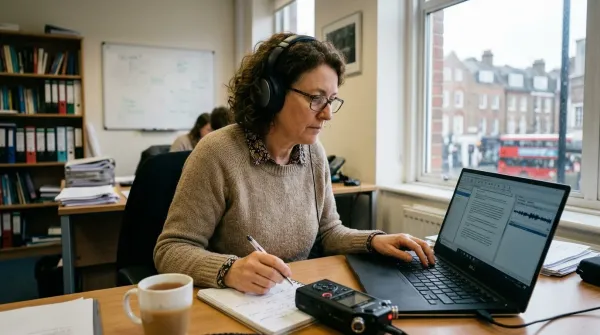
Researchers, journalists, and analysts use Audio to Text to transcribe interviews and field recordings efficiently. It allows them to focus on insights and analysis while ensuring every detail is preserved accurately. Transcripts can be reviewed, annotated, and shared with research teams for deeper collaboration. This speeds up the entire research workflow from data collection to final reporting.
Podcasts & Content Repurposing
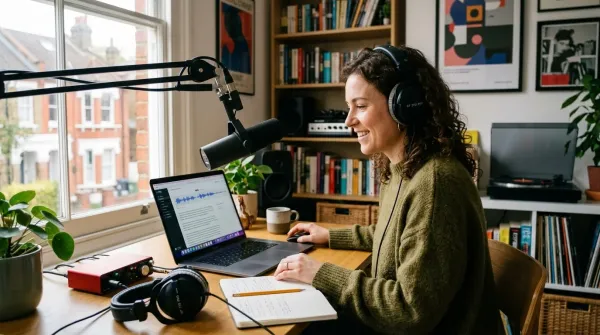
Content creators use Audio to Text to convert podcast episodes into articles, captions, and summaries. This enables faster content repurposing and improves discoverability across search engines and social platforms. Written transcripts can be reused for blog posts, newsletters, and social media content. It significantly increases the value and reach of each audio recording.
What Users Say About Audio to Text
Real feedback from students, professionals, and creators using Audio to Text in daily workflows.



Audio to Text FAQ
Common questions about how Audio to Text works, its accuracy, supported formats, and usage scenarios.
What is Audio to Text?
Audio to Text is an AI-powered transcription tool that converts spoken audio into written text from files or links. It can process meetings, lectures, interviews, podcasts, and videos, and also generate summaries, structured notes, and subtitles for different workflows such as study, business documentation, and content creation. It is designed to reduce manual work and make spoken content easier to reuse. Users can access it directly online without installing any software. It works across both short recordings and long audio sessions.
How accurate is Audio to Text?
Reaching 99% accuracy with Audio to Text really depends on a few things. Audio quality matters a lot, obviously, and how clear the speaker is. Background noise can definitely throw it off, as can complex language. But it's built for real recordings, like meetings or interviews, and uses smart AI to stay pretty solid even when things aren't perfect. You get better results with just clear speech and not much noise, for sure. In places like meetings or lectures where things are more regular, the output is usually pretty consistent. It's always being tweaked to deal with different accents and how fast people talk.
What file formats does Audio to Text support?
Audio to Text supports more than 30 audio and video formats, including MP3, WAV, M4A, AAC, FLAC, MP4, and MOV. Users can upload files directly without conversion, and the system automatically processes them into a unified transcription workflow. This makes it easy to start without technical preparation. It also reduces compatibility issues across devices and platforms. Most commonly used recording formats are supported by default.
Does Audio to Text support multiple languages?
Yes, Audio to Text works for over 90 languages and accents, which is pretty helpful for international teams or anyone using it globally. It even handles recordings with multiple languages mixed in, letting you transcribe content from different regions or speaking styles. Language detection is built in for many usual situations. This really helps out with global meetings or when people are communicating across borders. It means you don't have to manually translate first just to get a transcription. That saves a lot of hassle. It just works.
Can Audio to Text identify different speakers?
Yes, Audio to Text handles speaker identification, automatically separating and labeling voices in a chat. This really helps when trying to follow along with meetings, interviews, or just group chats, particularly when lots of people are talking. Speakers get their own clean sections. It just makes things easier to read, especially for those long, complicated calls. People can actually see who said what without having to hit play again and again. The way it segments things, you can jump right to the bits you care about. It cuts down on that back-and-forth trying to figure out who chimed in.
Can I generate subtitles with Audio to Text?
Yes, Audio to Text provides subtitle files, SRT and VTT, directly from your transcriptions. You can use these for videos, online courses, webinars, and social media. Basically, it makes your content accessible and grabs more attention. The subtitles sync up with timestamps for spot-on playback. Creators and educators find this really helpful. It's a pretty simple way to reach a bigger audience everywhere.
Can I edit transcripts after conversion?
Yes. You can edit all Audio to Text transcripts right in the platform. Users can go in, fix words, sort out formatting, and tweak the structure before they export it. This works fine whether you're using it for yourself or for work. Any changes you make show up right away, so you can see your workflow. This is a pretty good way to make sure the final transcript is exactly what you need, especially if you have special terms you need to use. It's really helpful for official documents or when you're planning to publish something. You can make sure it all matches up with what you're aiming for.
What export formats are available?
Audio to Text lets you export in Word, PDF, TXT, SRT, and VTT. This means you can grab those transcripts for reports, academic papers, subtitles, or just sharing stuff online. It's seriously one-click fast to get them out. You just pick the format that fits what you need to do next, whether it's mostly text or something for video. It just works for whatever you've got going on.
Can Audio to Text generate summaries?
Yes, Audio to Text whips up AI summaries and key takeaways right from your recordings. It's pretty neat, letting you grasp the main points fast, no need to wade through hours of transcript, especially for those marathon meetings or lectures. The summaries are built to flag what really matters. It cuts down on manual review time significantly. This really helps productivity and speeds up decisions. You can instantly see what the important bits are, and it saves a ton of hassle compared to reading everything word for word.
Is my data safe when using Audio to Text?
Yes, Audio to Text uses a privacy-first setup. All files you upload and the resulting transcripts get processed securely. We don't share or reuse your data at all. That makes it good for business meetings, academic research, or any recordings you need to keep private. Security is built into the whole process. You're the only one who can access your workspace, keeping your sensitive information protected. It's pretty straightforward, really.