
Free Lecture Recorder
Trusted by 1M+ users worldwide





How to Use Lecture Recorder
Step 1: Record Your Lecture
Start Lecture Recorder and record your lecture, seminar, online class, or training session. The tool captures spoken content clearly, allowing you to stay focused on learning instead of rushing to write everything down. Whether you're attending a classroom lecture or joining remotely, recording only takes a click.
Step 2: Generate Transcripts and Notes
Once your recording is complete, Lecture Recorder automatically converts speech into text and creates AI-generated lecture notes. Important concepts, explanations, and discussion points are organized into a structured format that is easier to review later. This helps reduce the effort required to create study materials manually.
Step 3: Review, Search, and Export
After processing, Lecture Recorder provides a complete transcript along with key summaries and highlights. You can search for specific topics, revisit important moments, and export everything in multiple formats. This makes studying, sharing, and organizing lecture content much more efficient.
Why Choose Lecture Recorder?
Capture every important idea, reduce manual note-taking, and turn recordings into useful knowledge with Lecture Recorder.
Focus on Listening Instead of Taking Notes
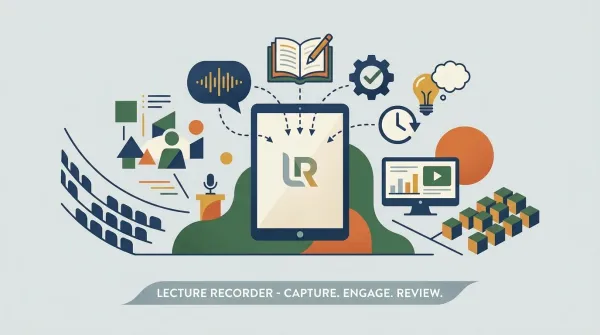
With Lecture Recorder, you can stay fully engaged in lectures, webinars, workshops, and training sessions without worrying about writing everything down. The tool automatically captures spoken content and creates a complete record for later review. This allows you to pay more attention to discussions, explanations, and important insights as they happen.
Review Information Faster
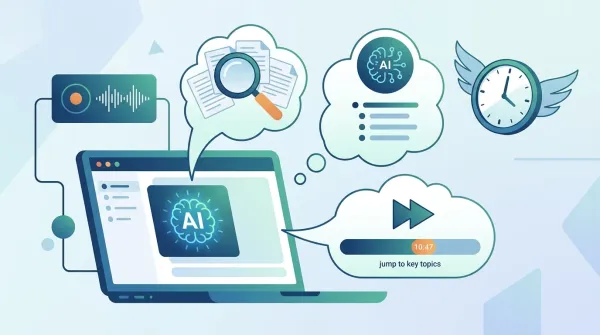
Lecture Recorder transforms recordings into searchable transcripts and AI-generated notes, making it easy to find specific topics and key takeaways. Instead of replaying long recordings from beginning to end, users can jump directly to the information they need. This helps save time and makes learning more efficient.
Improve Knowledge Retention
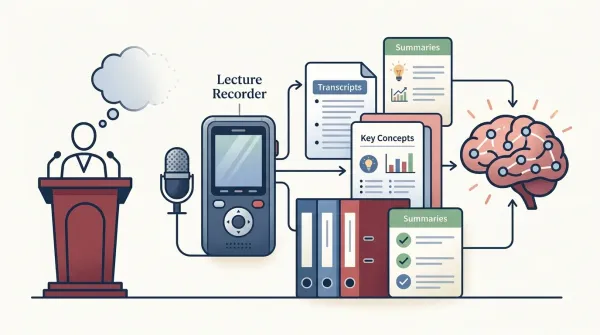
People often forget details shortly after a lecture or training session ends. Lecture Recorder provides structured transcripts and summaries that make it easier to revisit important concepts and reinforce learning. Having organized materials available at any time supports better understanding and long-term retention.
Share and Reuse Content Easily
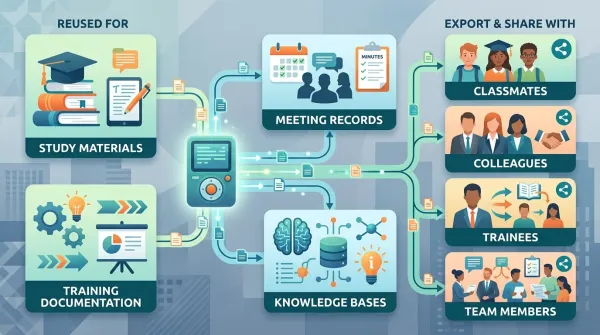
Content captured by Lecture Recorder can be reused across different workflows, including study materials, training documentation, meeting records, and knowledge bases. Export options make it simple to share information with classmates, colleagues, trainees, or team members. This ensures valuable knowledge remains accessible long after the original session is over.
Core Lecture Recorder Capabilities
99% Accuracy Real-Time Transcription
Lecture Recorder delivers up to 99% transcription accuracy in real time, even for long lectures and fast-paced speech. It is optimized to handle complex academic content, technical terminology, and natural conversation with minimal loss of meaning. This makes it reliable for both classroom lectures and professional training environments where precision matters.
Start Recording Free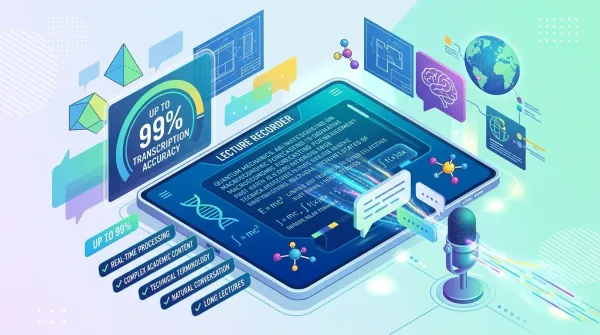
90+ Languages Supported Globally
Lecture Recorder supports transcription in over 90 languages and accents, making it suitable for international education, global training programs, and multilingual environments. It enables seamless processing of diverse lecture content in a single system. Users can switch between different language contexts without needing separate tools or configurations.
Start Recording Free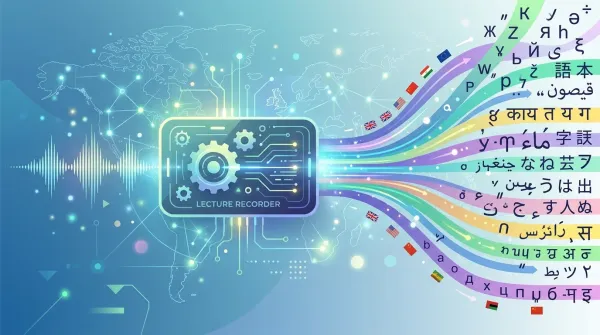
Speaker Detection + Timestamp Precision
Lecture Recorder automatically detects multiple speakers and aligns every sentence with precise timestamps. This allows users to navigate long recordings efficiently and locate specific moments in seconds instead of replaying entire sessions. It is especially useful for group discussions, seminars, and multi-speaker lectures.
Start Recording Free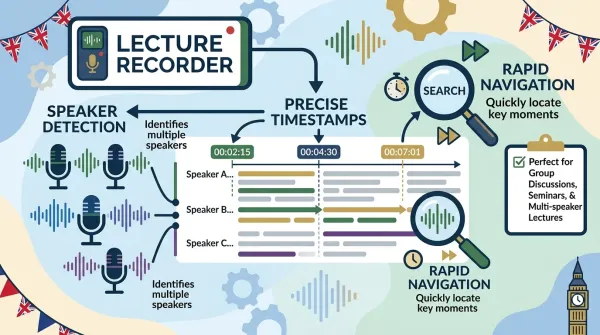
Multi-Format Export + AI Summaries
Lecture Recorder generates AI-powered summaries and structured notes from full lectures, and supports export in TXT, DOCX, PDF, SRT, and VTT formats. This turns a single recording into reusable assets for study, training, documentation, and content distribution. It helps users easily adapt lecture content for different platforms and workflows.
Start Recording Free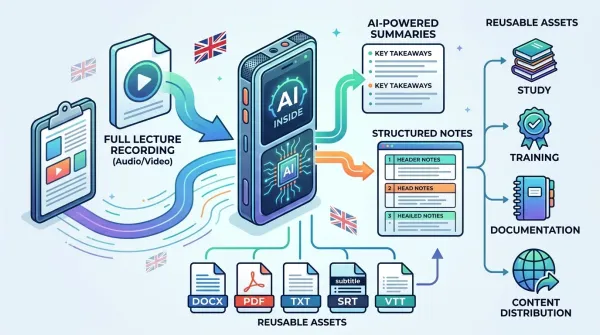
Who benefits from using an Lecture Recorder?
From classrooms to boardrooms, Lecture Recorder helps capture spoken content and turn it into structured, searchable knowledge.
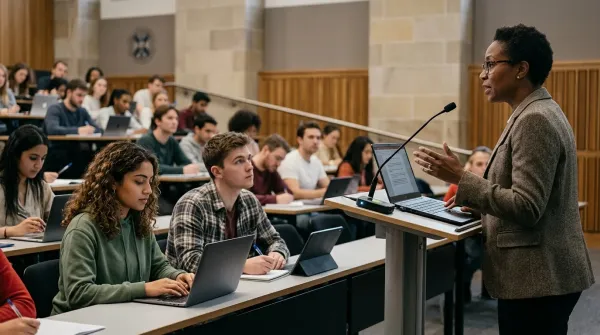
University Lectures & Seminars
Students and educators use Lecture Recorder to record lectures and seminars in real time and convert them into searchable transcripts. This makes it easier to review complex topics later without missing important explanations during class. It also improves exam preparation and long-term learning efficiency.
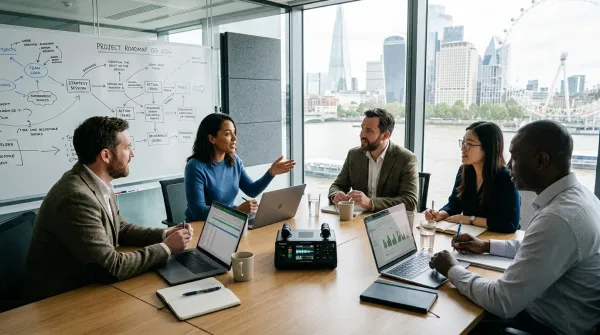
Workplace Meetings & Team Discussions
Teams use Lecture Recorder to record meetings, strategy sessions, and project discussions. Instead of relying on manual notes, every decision, action item, and key point is automatically captured and organized. This helps improve alignment across teams and reduces the risk of missing important information after meetings.
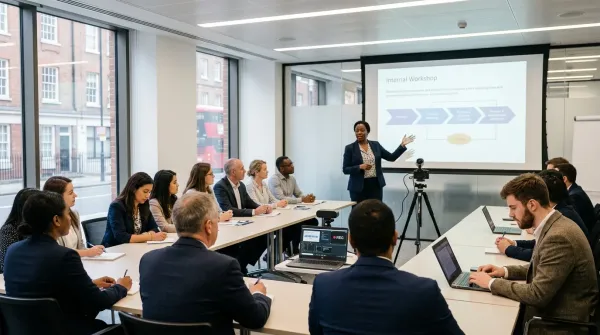
Corporate Training & Onboarding
Companies use Lecture Recorder to document training sessions, onboarding programs, and internal workshops. Employees can revisit transcripts at any time to review instructions or clarify details without attending the session again. This ensures consistent knowledge transfer across departments.
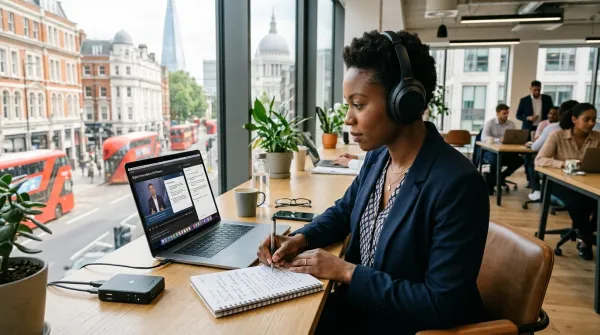
Online Courses & Professional Learning
Professionals use Lecture Recorder to convert online courses, webinars, and industry talks into structured notes and summaries. Instead of rewatching long sessions, users can quickly search for key insights and focus on relevant information. This makes continuous learning much more efficient.
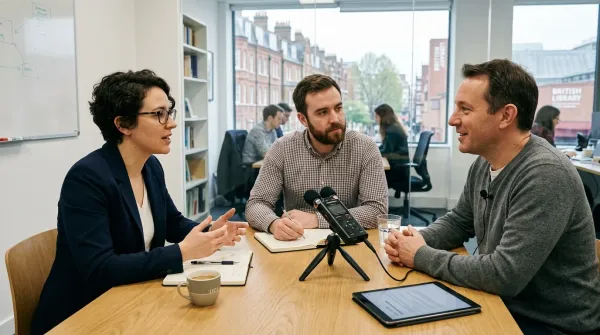
Research, Interviews & Analysis
Researchers, consultants, and analysts use Lecture Recorder to capture interviews, focus groups, and research discussions. It allows them to focus on the conversation while ensuring every detail is accurately recorded. Later, transcripts can be used to extract insights and support analysis or reporting.
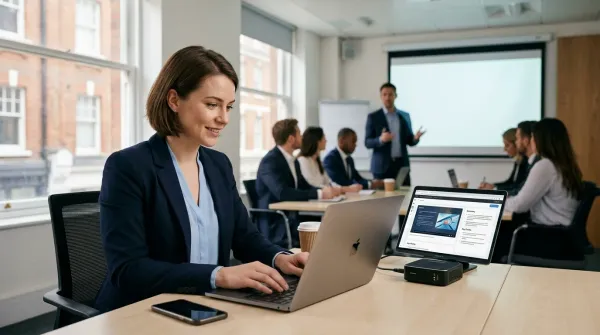
Professional Development & Certifications
Professionals use Lecture Recorder to record certification courses, workshops, and skill development sessions. AI-generated summaries simplify complex content into clear key points for easier review. This supports ongoing career growth and faster knowledge acquisition.
What Users Say About Lecture Recorder
Feedback from students, professionals, and teams using Lecture Recorder in real workflows.



Common Questions About Lecture Recorder
Everything you need to know about how Lecture Recorder works in lectures, meetings, and training sessions.
What is Lecture Recorder?
Lecture Recorder is an AI tool that records spoken content from lectures, meetings, webinars, and training sessions, then turns it into readable transcripts and structured notes. Instead of relying on handwritten notes or memory, users can simply record a session and review everything afterward in text form. It's commonly used when people need a clear written version of what was said without missing important details. This makes it especially useful for long or information-heavy sessions where manual note-taking is difficult.
Who is Lecture Recorder designed for?
Lecture Recorder is designed for anyone who deals with spoken information regularly. This includes students in lectures, teachers running classes, teams in meetings, managers in discussions, and researchers conducting interviews. In practice, it's used anywhere people need to capture conversations and turn them into something they can review later. It also works well for people who need to share or document spoken content with others.
How accurate is Lecture Recorder?
Lecture Recorder is built to deliver high transcription accuracy, typically up to around 99% when the audio is clear. It handles normal speech, multiple speakers, and structured discussions quite well. Of course, like any AI transcription tool, the final result can vary depending on background noise or recording quality, but in most everyday situations it is accurate enough to use without heavy editing. Users usually only need to make small adjustments instead of rewriting the whole transcript.
Can Lecture Recorder handle meetings as well as lectures?
Yes, Lecture Recorder works just as well for meetings as it does for lectures. Many users rely on it during team discussions, project updates, and client calls to make sure nothing gets lost. After the meeting, they can quickly review decisions, action points, and key discussion moments without going through the full recording again. It is especially helpful when multiple topics are discussed in a single session.
Does Lecture Recorder support multiple speakers?
Yes, Lecture Recorder can detect different speakers and separate them in the transcript. This is especially helpful in group discussions, panel talks, and meetings where multiple people are speaking. Instead of one block of text, the conversation is structured so it's much easier to follow who said what. This also helps when reviewing long discussions with many participants.
What languages does Lecture Recorder support?
Lecture Recorder supports more than 90 languages and a wide range of accents. This makes it useful in international environments where people may switch between languages or come from different regions. It's commonly used in global teams, multilingual classrooms, and cross-border meetings. In mixed-language sessions, it still keeps the transcript readable and consistent.
Can I search within transcripts?
Yes, once a session is processed, the transcript becomes fully searchable. This means you can quickly jump to a keyword, topic, or specific discussion point instead of replaying the entire recording. It's especially useful when you need to find something quickly from a long lecture or meeting. This saves a lot of time when reviewing large amounts of content.
What export formats are available?
Lecture Recorder lets you export transcripts in common formats like TXT, DOCX, and PDF, as well as subtitle formats like SRT and VTT. This makes it easy to reuse the content for reports, study notes, documentation, or video subtitles depending on your workflow. It also allows teams to integrate transcripts into existing tools or content systems. This flexibility is useful for both individual and organizational use.
Is Lecture Recorder secure?
Yes, Lecture Recorder is designed with privacy in mind. Recordings and transcripts are processed securely, and user data is handled in a controlled environment. This is important for users who deal with sensitive meetings, academic content, or internal company discussions. In most cases, users can process content without worrying about external exposure.
Can I use Lecture Recorder for training and onboarding?
Yes, many companies use Lecture Recorder for onboarding and training sessions. Instead of repeating the same explanations multiple times, they can share transcripts and notes so employees can review them whenever needed. It also helps keep training consistent across different teams and locations. This reduces repetition work for trainers and improves learning efficiency for new employees.
Can I edit or improve the transcript after it is generated?
Yes, after Lecture Recorder generates the transcript, you can review and make edits to improve clarity or fix specific terms. This is useful when dealing with names, technical vocabulary, or industry-specific expressions that may need adjustment. Many users refine the text before sharing or exporting it for reports or study materials. It ensures the final output matches your exact use case before it is reused elsewhere.
Can Lecture Recorder be used for long recordings or multi-hour sessions?
Yes, Lecture Recorder is designed to handle long recordings such as full-day lectures, workshops, or extended meetings without losing stability or performance. It continues processing continuous speech and keeps the transcript structured even when the session runs for hours. This is especially useful for conferences, academic lectures, or corporate training days. Users don't need to split recordings manually, which makes the workflow much more convenient.