
Free Video to Text Converter
Trusted by 1M+ users worldwide






How to Use Video to Text Converter
Step 1: Upload or Paste Your Video
Start by uploading your video file or pasting a video link into the Video to Text Converter. It supports common formats like MP4, MOV, and AVI, as well as online video URLs, so you can begin without any conversion or technical setup. Once added, the system automatically prepares your content for processing.
Step 2: Let AI Convert Video to Text
The Video to Text Converter will analyze the audio inside your video and transform speech into structured text automatically. It detects language, adds punctuation, and separates speakers when needed, making the output clear and easy to read. You don't need to adjust any settings—the AI handles everything in the background.
Step 3: Download and Use Your Results
Once processing is complete, the Video to Text Converter lets you download your transcript in formats like TXT, DOCX, or PDF, or export subtitles in SRT and VTT. You can also copy, edit, or reuse the text for notes, content creation, or documentation. This makes it easy to turn videos into usable information instantly.
Why People Choose Video to Text Converter?
Turn video content into searchable, editable, and actionable text with a fast and reliable Video to Text Converter.
Save Time with Automated Transcription
The Video to Text Converter automatically converts speech into text, eliminating hours of manual transcription work. Instead of replaying videos and typing notes, you can get a complete transcript in minutes and focus on more important tasks. This is especially useful for professionals who regularly work with meetings, interviews, or training videos. By reducing repetitive work, it helps improve productivity and streamline daily workflows.
Generate Accurate Transcripts and Summaries
Powered by advanced AI, the Video to Text Converter delivers highly accurate transcripts and automatically generates concise summaries. This helps users quickly understand key information without reviewing an entire video from start to finish. Important points, decisions, and discussions can be identified much faster. It is an effective way to extract value from long-form video content while saving time.
Support Global Content in 90+ Languages
The Video to Text Converter supports over 90 languages and accents, making it ideal for international teams, students, researchers, and content creators. It enables seamless transcription across a wide range of multilingual video content. Whether you're working with local recordings or global projects, language barriers become easier to manage. In addition, the built-in AI Checker helps ensure the generated transcripts are natural, consistent, and aligned with human writing patterns, making it easier to review and refine output with confidence.
Export and Reuse Content Anywhere
With support for Word, PDF, TXT, SRT, and VTT exports, the Video to Text Converter makes it easy to repurpose video content for reports, documentation, subtitles, blogs, and social media. Your transcripts can be used wherever your workflow requires. This reduces the need to manually reformat content for different platforms. It also helps maximize the value of every video by turning it into reusable assets.
Powerful Tools Built into Video to Text Converter
Searchable Transcripts
The Video to Text Converter transforms spoken content into searchable and structured text. Instead of rewatching an entire video, users can quickly locate key topics, quotes, decisions, and important moments directly within the transcript. This makes reviewing and navigating long recordings significantly more efficient.
Start Converting Free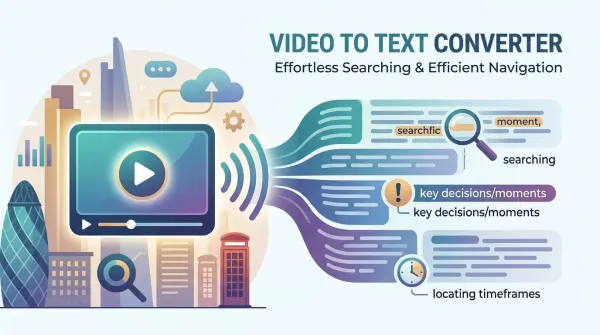
Content Repurposing
The Video to Text Converter helps turn video recordings into reusable content for different workflows. Transcripts can be used as meeting notes, study materials, research records, blog drafts, summaries, documentation, or content briefs. This allows users to get more value from every video without additional manual work.
Start Converting Free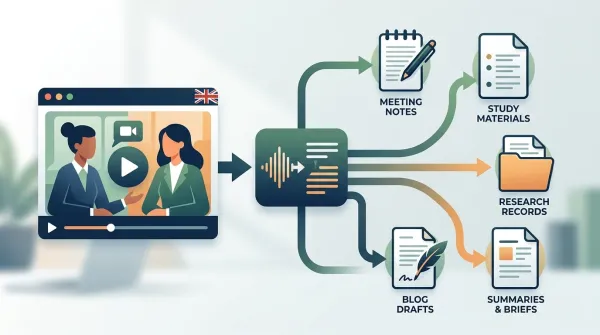
Accurate AI Transcription
Powered by advanced AI speech recognition, the Video to Text Converter produces reliable transcripts even when videos include fast speakers, different accents, technical terminology, or background noise. The system is designed to handle real-world conversations and deliver clear, readable text with minimal editing required.
Start Converting Free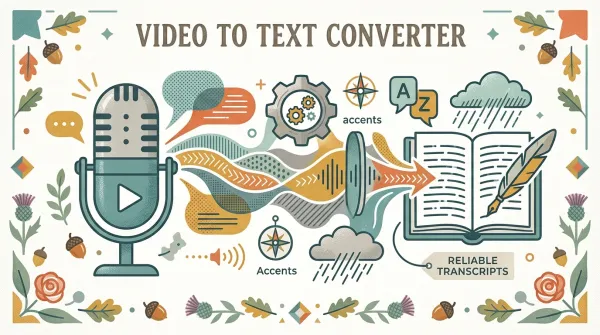
Smart Transcript Tools
The Video to Text Converter automatically adds speaker labels, timestamps, and AI-generated summaries to every transcript. Users can easily follow conversations, jump to specific moments, and understand lengthy videos faster. These features make transcripts more organized, actionable, and useful for collaboration and review.
Start Converting Free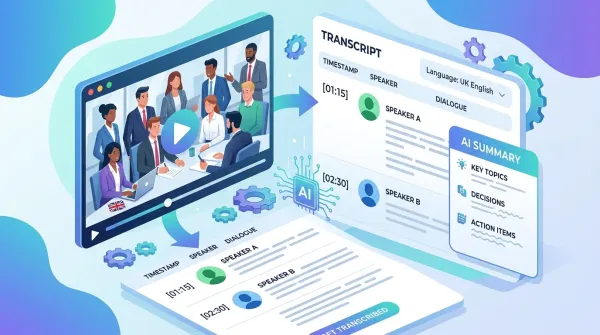
Who benefits from using an Video to Text Converter?
Discover how individuals, teams, and organizations use Video to Text Converter to save time, improve productivity, and make video content easier to work with.

Meetings & Business Documentation
Teams use the Video to Text Converter to transcribe meetings, strategy sessions, and video calls into structured written records. Instead of relying on manual notes, every decision, task, and discussion point is captured automatically. This improves transparency and makes it easier to track progress across teams.
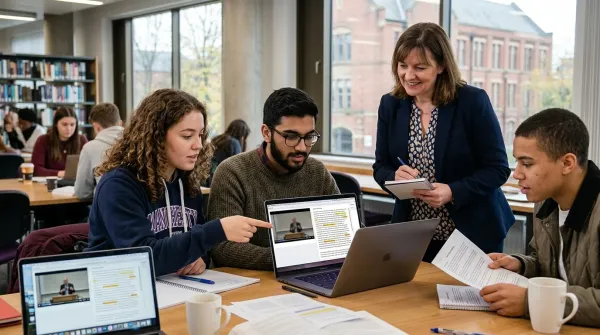
Education & Online Learning
Students and educators use the Video to Text Converter to convert lectures, webinars, and training videos into study materials. It allows users to quickly search through content, review key topics, and build summaries without rewatching full recordings. This significantly improves learning efficiency and revision speed. In addition, the built-in <a href="https://dechecker.ai" class="tw-text-primary-500 hover:tw-text-primaryHover">AI Detector</a> helps ensure transcripts remain natural and easy to read by checking for overly artificial or machine-like phrasing.

Interviews & Journalism
Journalists, researchers, and analysts rely on the Video to Text Converter to transcribe interviews and recorded conversations. It eliminates the need for manual typing and helps them focus on extracting insights and building narratives. This speeds up the entire research and publishing workflow.
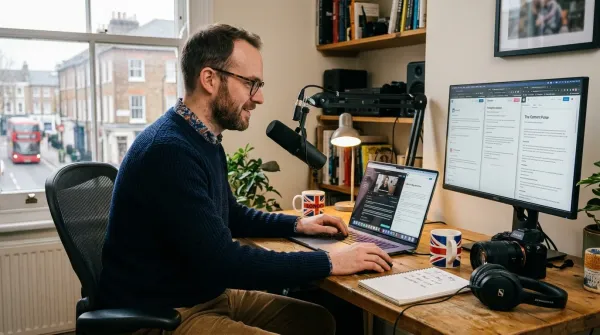
Content Creation & Repurposing
Creators use the Video to Text Converter to turn video content into blogs, scripts, captions, newsletters, and social media posts. One video can be reused across multiple platforms, helping maximize content output while reducing production effort. This makes content strategies more scalable and efficient.
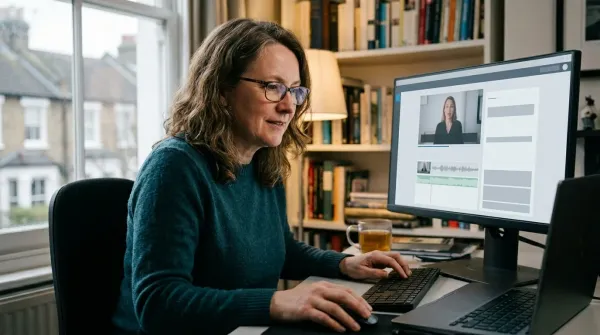
Subtitles & Video Accessibility
The Video to Text Converter is widely used to generate subtitles for YouTube videos, online courses, webinars, and marketing content. Subtitles improve accessibility, increase engagement, and allow audiences to consume content even without sound. They also support multilingual content distribution.
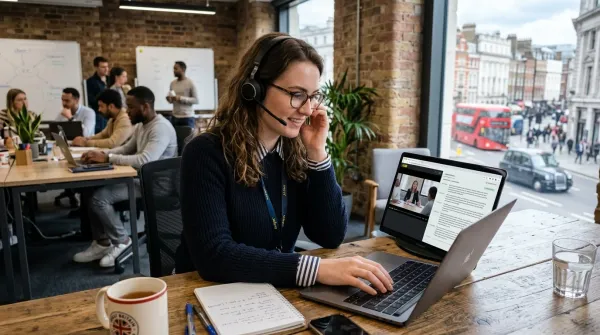
Training & Knowledge Management
Companies use the Video to Text Converter to convert training videos, onboarding sessions, and internal presentations into searchable documentation. Employees can quickly find the information they need without watching long recordings. This helps build a more organized and accessible internal knowledge base.
What Users Are Saying About Video to Text Converter
Real feedback from everyday users who rely on Video to Text Converter for study, work, and content creation.



Common Questions About Video to Text Converter
Everything you need to know about how the Video to Text Converter works, what it supports, and how to use it in real scenarios.
What is Video to Text Converter?
The Video to Text Converter is an AI-powered tool that converts spoken content in videos into written text automatically. It works with a wide range of content such as meetings, lectures, interviews, webinars, and online courses. Instead of manually typing everything, users can upload a video and instantly get a structured transcript. It also helps generate summaries and subtitles, making video content easier to search, review, and reuse across different workflows like study, work, or content creation.
How accurate is Video to Text Converter?
This Video to Text Converter is pretty good at what it does. It uses some pretty advanced speech recognition, and it's good with clear recordings, people talking at a normal pace, or even when there are a few speakers in one video. If things get a bit messy, like there's background noise, different accents, or people talking casually, it still spits out transcripts you can actually work with. You'll just need to do a little quick editing. For most stuff you'd use it for, like meetings or lectures, it's accurate enough that you probably won't need to do any manual transcription at all. It just gets the job done.
What formats does Video to Text Converter support?
The Video to Text Converter handles common formats like MP4, MOV, AVI, MKV, and WEBM. This is convenient; you often won't need to convert files first, saving time and hassle. It also works with many online video sources, depending on how the content is shared. The aim here really is just to make uploading straightforward and adaptable for various users. Pretty much any standard video you have should work directly, which is a nice touch. You can just drop your files in without worrying too much about format compatibility upfront. It's set up to be as user-friendly as possible for getting your videos transcribed quickly.
Does Video to Text Converter support multiple languages?
Yes, this Video to Text Converter handles over 90 languages and tons of regional accents. It even works on videos that jump between languages mid-recording. That's a big plus for international teams, global meetings, and educational stuff. For users, it means less fiddling with settings since the system usually figures out the language on its own, just based on what's being said. You can pretty much just hit play and let it go. It's not trying to be fancy; it just does the job of capturing what's spoken. This automatic language detection really cuts down on the setup time before you can get to the actual content. It's efficient.
Can Video to Text Converter detect different speakers?
Yes, the Video to Text Converter includes speaker detection, which helps separate and label different voices in a conversation. This is particularly useful for meetings, interviews, panel discussions, or any situation involving multiple participants. Instead of a single block of text, the transcript becomes structured and easier to follow, making it clear who said what and when.
Can Video to Text Converter generate subtitles?
Yes, the Video to Text Converter can automatically generate subtitle files in formats like SRT and VTT. These formats are widely used on platforms such as YouTube, online courses, and video hosting services. Once generated, subtitles can be directly uploaded or edited before publishing. This helps improve accessibility, engagement, and allows viewers to follow content even without sound.
Do I need to install software to use Video to Text Converter?
No, this video to text converter runs entirely in your web browser, no downloading or installing anything. You just open it up, drop in a video or paste a link, and start converting. It's pretty handy because you can use it on your desktop, laptop, or tablet without any hassle about whether it'll work with your system. It's really straightforward for anyone needing to get text from a video fast. You don't have to fiddle with software updates or compatibility issues, which is a big plus. Just jump in and get what you need done.
Can I edit transcripts in Video to Text Converter?
Yes, after the Video to Text Converter generates a transcript, you can review and edit it directly. This allows you to fix small mistakes, adjust formatting, or refine wording depending on your needs. Many users do a quick pass to clean up names, technical terms, or specific phrases. This flexibility ensures the final output is accurate enough for professional use.
What export formats are available in Video to Text Converter?
This makes it easy to reuse transcripts in different contexts. You can grab them for reports, subtitles, blog content, or internal documentation. It's not just one format anymore; you pick what fits your workflow and where it needs to go. This video to text converter actually supports a good run of export options too, like TXT, DOCX, PDF, SRT, and VTT. You're not locked in.
Is my data safe when using Video to Text Converter?
Yes, this Video to Text Converter really focuses on keeping things private and secure. When you upload files, they get handled in a safe spot and nobody else can see them. The whole setup makes sure your stuff stays private while it's being transcribed. For folks dealing with important meetings or research that's a bit sensitive, knowing it's private like this really gives you more confidence using the tool. It actually makes a pretty big difference when you're not worried about your notes leaking. That layer of protection is key for a lot of people who depend on this kind of service. It's not just about getting text from audio; it's about trust.