
Free Online PDF Translator
Trusted by 1M+ users worldwide






How to Use the PDF Translator
The PDF Translator is designed to be simple and fast. You can translate any PDF online in just a few steps without installing anything or learning complex settings.
How to Use the PDF Translator
The PDF Translator is designed to be simple and fast. You can translate any PDF online in just a few steps without installing anything or learning complex settings.
Step 1: Upload Your File to PDF Translator
Upload your PDF file into the PDF Translator. The system supports both standard text-based PDFs and scanned documents with images. After upload, the file is automatically analyzed to detect layout, structure, and content type. This preparation step ensures the document is ready for accurate translation without requiring any manual formatting from the user.
Step 2: Select Language & Start PDF Translator
Step 3: View Results in PDF Translator
Step 4: Download & Use AI Features in PDF Translator
Why Choose Dechecker's PDF Translator
The PDF Translator is built to simplify document translation while keeping formatting intact. It combines speed, accuracy, and multi-language support to improve everyday document workflows without extra effort.
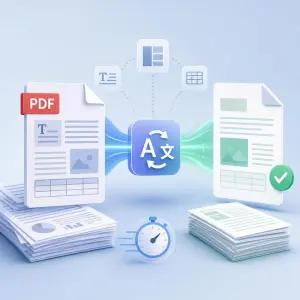
Faster Document Translation
PDF Translator analyzes text plus structural layout simultaneously for faster results. Cutting out extra formatting steps saves significant time during heavy workloads. To be honest, efficiency matters here. That is the reality. Handling short notes or massive, multi-page files remains easy. Reliability defines the core experience. Nothing beats a clean, functional output.
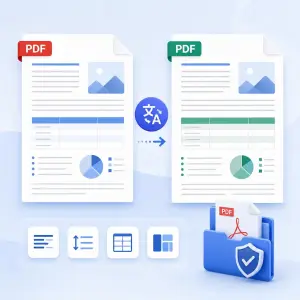
Preserves Original Formatting
The Dechecker PDF Translator maintains the original structure of documents during translation. This includes text alignment, spacing, tables, and overall layout consistency. By preserving formatting, the translated file remains visually aligned with the original version, reducing the need for manual corrections after output.
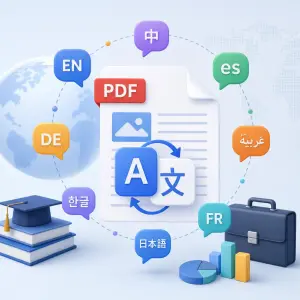
Multi-Language Support
PDF Translator handles many languages for academic or business needs. Users swap between pairs inside one simple workflow. Actually, keeping everything in one spot saves time. It just works. Handling complex multilingual documents becomes easy here. Forget using external services or extra tools; just get straight to the real work.

Browser-Based & Easy Access
The Dechecker PDF Translator runs entirely in the browser and does not require any installation or setup. Users can access it from desktop or mobile devices as long as they have an internet connection. This flexibility makes it suitable for different working environments, including remote and on-the-go usage scenarios.
Key Features of PDF Translator
The PDF Translator includes a set of AI-powered features designed to help users translate, understand, and interact with documents more efficiently within a single workflow. It goes beyond basic translation by adding tools for reading, analysis, and content exploration.
AI-Powered Translation Engine
AI engines power the PDF Translator, mapping document content by analyzing structure alongside context. Complex sentences or niche terminology present no real problem here. Actually, the system excels with long-form material where meaning fluctuates across entire paragraphs rather than singular words. It just works. Consistent, readable output emerges regardless of the file type. Such performance remains the reality for modern digital drafting.
Translate your PDF now!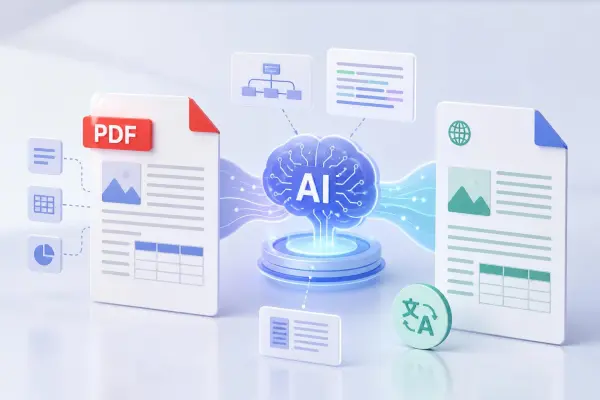
Bilingual Reading Mode
The Dechecker PDF Translator provides a bilingual viewing mode that displays the original and translated text side by side. This feature allows users to compare both versions directly, making it easier to verify meaning, study content, or review translations in detail. It is especially useful when users need to understand subtle differences between the source and translated text.
Translate your PDF now!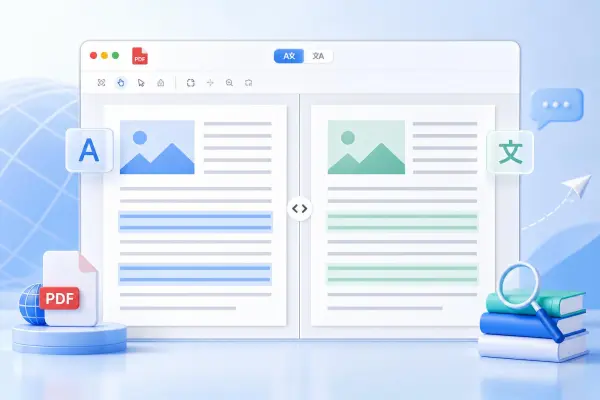
Fast Processing, Easy Export & Download
The PDF Translator is designed for fast document processing with quick turnaround times. Users can translate and export files directly in the browser without installation. The final output can be downloaded with preserved formatting, making it easy to reuse, share, or store translated documents efficiently. It is suitable for both single files and repeated daily workflows where speed matters.
Translate your PDF now!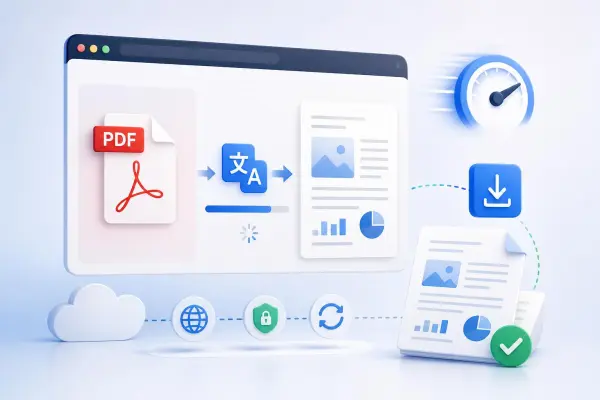
AI Features for Document Understanding
The PDF Translator includes a set of AI tools that help users work with documents beyond translation. Instead of reading everything manually, users can quickly generate a summary to understand the main ideas, turn the content into a structured mind map for better overview, or ask questions directly through an AI chat interface. It is designed to make long or complex documents easier to navigate and understand without extra effort.
Translate your PDF now!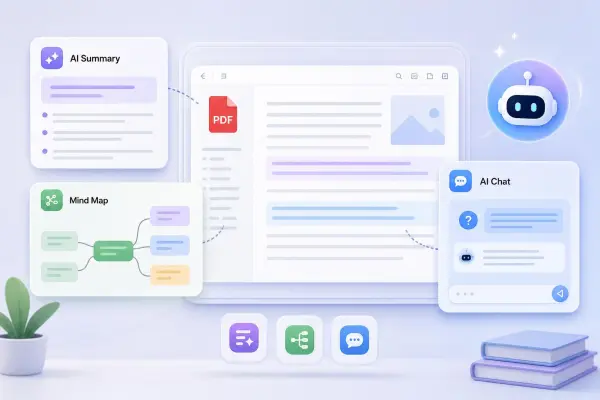
Common Use Cases of the PDF Translator
The PDF Translator is used in a wide range of real-world scenarios where users need to translate or understand documents across different languages. It is suitable for academic, business, and personal use cases involving multilingual PDFs.
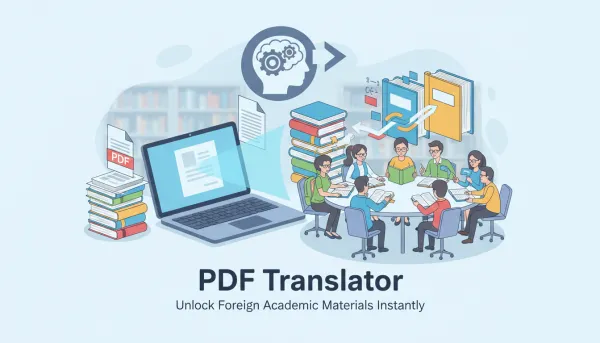
Academic Research and Study
Students and researchers frequently rely on the PDF Translator when tackling complex foreign language materials. These tools process research papers, dense journal articles, and technical lecture notes with ease. Actually, manual translation work burns through hours of precious time. Automation changes that. Speed matters when you face massive reading lists or difficult subjects requiring immediate insight. Users bypass tedious word lookups to focus entirely on core concepts. Getting through the text becomes faster. That is the reality. Simple, effective, and gets results.
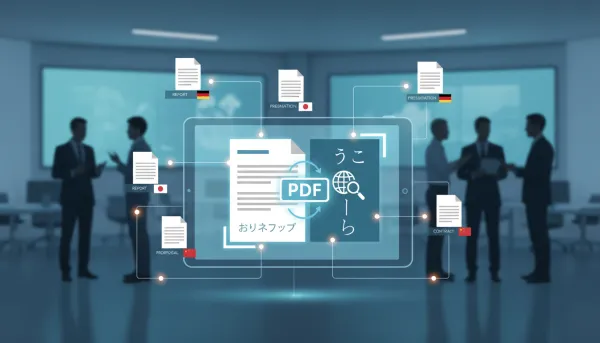
Business Communication and Reports
In business environments, the PDF Translator is commonly used for documents such as reports, presentations, proposals, and contracts. Many companies deal with international partners, so documents often come in multiple languages. In these cases, the tool helps users quickly understand key information without needing a separate translation workflow. It also makes it easier to review documents before meetings or decision-making.
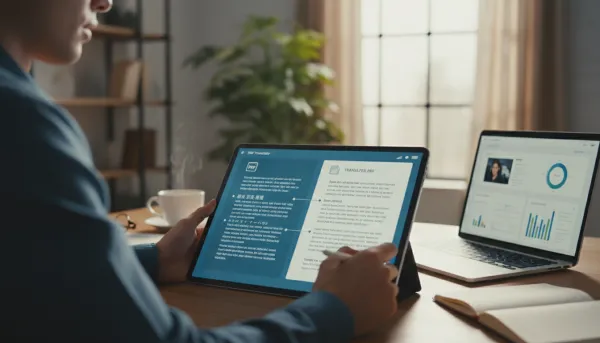
Professional and Client Work
Freelancers, consultants, and service providers use the PDF Translator when handling client materials written in different languages. This can include project briefs, feedback documents, or delivery files. Instead of switching between multiple tools or waiting for manual translation, users can review content directly and respond more efficiently. It fits naturally into day-to-day professional workflows.
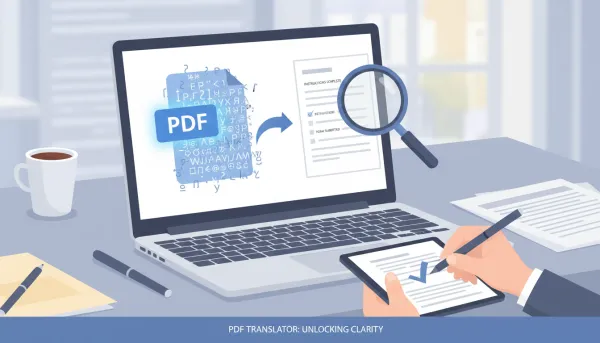
Personal Document Translation
PDF Translator simplifies personal documents like manuals, forms, or dense official paperwork. Handling files in foreign languages is frustrating, right? Clearer translations replace that confusion, letting you process instructions or fill out complex forms with ease. Actually, the process is seamless. You just upload your file and let the software handle the heavy lifting. That is the reality. It stays simple and keeps working.
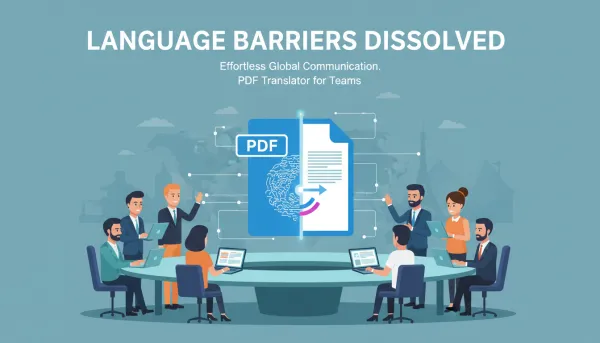
Cross-Language Collaboration
When people work across different languages, communication can easily slow down due to document barriers. The PDF Translator helps reduce this friction by making shared documents easier to read. It is often used in team environments where members come from different regions and need to access the same materials without misunderstanding key details.
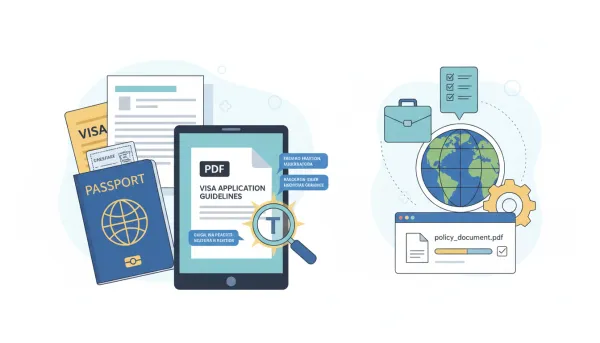
Travel and Administrative Documents
For travel and administrative purposes, the PDF Translator is used to understand documents such as visa forms, embassy instructions, application materials, or policy documents. These files are often detailed and written in formal language, so having a translated version helps users avoid missing important requirements or steps.
User Reviews of the PDF Translator
Users share their experiences using the PDF Translator in daily study, work, and document handling. The feedback reflects how it fits into different real-world workflows involving multilingual PDFs.



FAQ about PDF Translator
Find answers to common questions about how the PDF Translator works, supported formats, and its AI features for translating and understanding documents.
What is the PDF Translator?
The PDF Translator is an online tool designed to translate PDF documents into different languages while preserving the original structure as much as possible. It is commonly used for academic reading, business documents, and personal files where users need to understand content written in a foreign language without manually copying or reformatting text. It is built to reduce the friction of working with multilingual documents in everyday scenarios.
How does the PDF Translator work?
The process is simple: you upload a PDF file, choose the target language, and the system automatically starts processing the document. It analyzes both text content and layout structure before generating a translated version. The output can then be viewed directly in the browser or downloaded for later use, depending on your workflow needs. The system is designed to minimize manual steps so users can focus on reading rather than setup.
Do I need to install anything to use it?
No installation is required. The PDF Translator runs fully online in your browser, so you can use it on desktop, laptop, or mobile devices. As long as you have an internet connection, you can upload files and start translating without downloading any software or plugins. This makes it suitable for quick use in different environments, including work, study, or travel.
Can I use the PDF Translator for free?
The PDF Translator can be accessed online and used immediately for document translation. Depending on the platform version, there may be usage limits or additional advanced features available under different access levels. However, the basic translation workflow is designed to be easy to start without setup barriers. This allows users to try it quickly before deciding if they need more advanced capabilities.
What types of PDF files are supported?
The PDF Translator supports both standard text-based PDFs and scanned documents that contain images of text. In scanned files, the system first extracts readable text before processing the translation. This allows users to work with a wide range of document types, including older files and non-digital formats. It is especially useful when dealing with mixed document sources.
Does it keep the original formatting?
Yes. The PDF Translator is built to preserve document structure during translation. This includes layout elements such as spacing, paragraphs, tables, and overall visual organization. While minor differences may occur depending on document complexity, the goal is to keep the translated file as close to the original layout as possible. This helps reduce the need for post-editing after translation.
Can I translate scanned documents or images inside PDFs?
Yes. The PDF Translator supports scanned PDFs by first extracting text from images and then translating the extracted content. This is useful for documents that are not originally editable, such as printed materials, scanned contracts, or image-based PDFs. It helps users work with older or non-digital documents without extra conversion steps.
How many languages does it support?
The PDF Translator supports a wide range of commonly used global languages across academic, professional, and everyday contexts. Users can select their desired target language before starting the translation process, making it suitable for multilingual workflows and international communication. Language coverage is designed to meet both common and less frequent translation needs.
Can I view original and translated text together?
Yes. The PDF Translator includes a bilingual viewing mode that allows users to see the original and translated content side by side. This is especially useful for comparison, learning, and verifying meaning across both versions of the document. Users can switch views depending on how they prefer to read or review the content.
What AI features are included?
The PDF Translator includes several AI-powered tools designed to help users understand documents more efficiently. These include automatic summarization of long content, key point extraction, structured mind map generation, and a chat feature that allows users to ask questions about the document content directly. These tools help reduce the time needed to analyze complex or lengthy files.
Can I download the translated file?
Yes. After the translation is completed, users can download the output file for offline use. The downloaded version is designed to retain the original formatting as much as possible, allowing the document to remain usable in professional or academic contexts. This is helpful when sharing or archiving translated documents.
Is it suitable for large documents?
Yes. The PDF Translator is designed to handle multi-page and long-form documents, including reports, research papers, and detailed business files. It processes structured content in a way that supports consistent translation across larger files without breaking readability. This makes it suitable for both quick tasks and more complex document workloads.